Enable the services your clients need
Open the workspace and choose Service settings. Enable Web Map Service (WMS) for rendered maps or Web Feature Service (WFS) for clients using WFS. Each switch saves immediately. Wait for the switch to become interactive again and check for errors before navigating away.
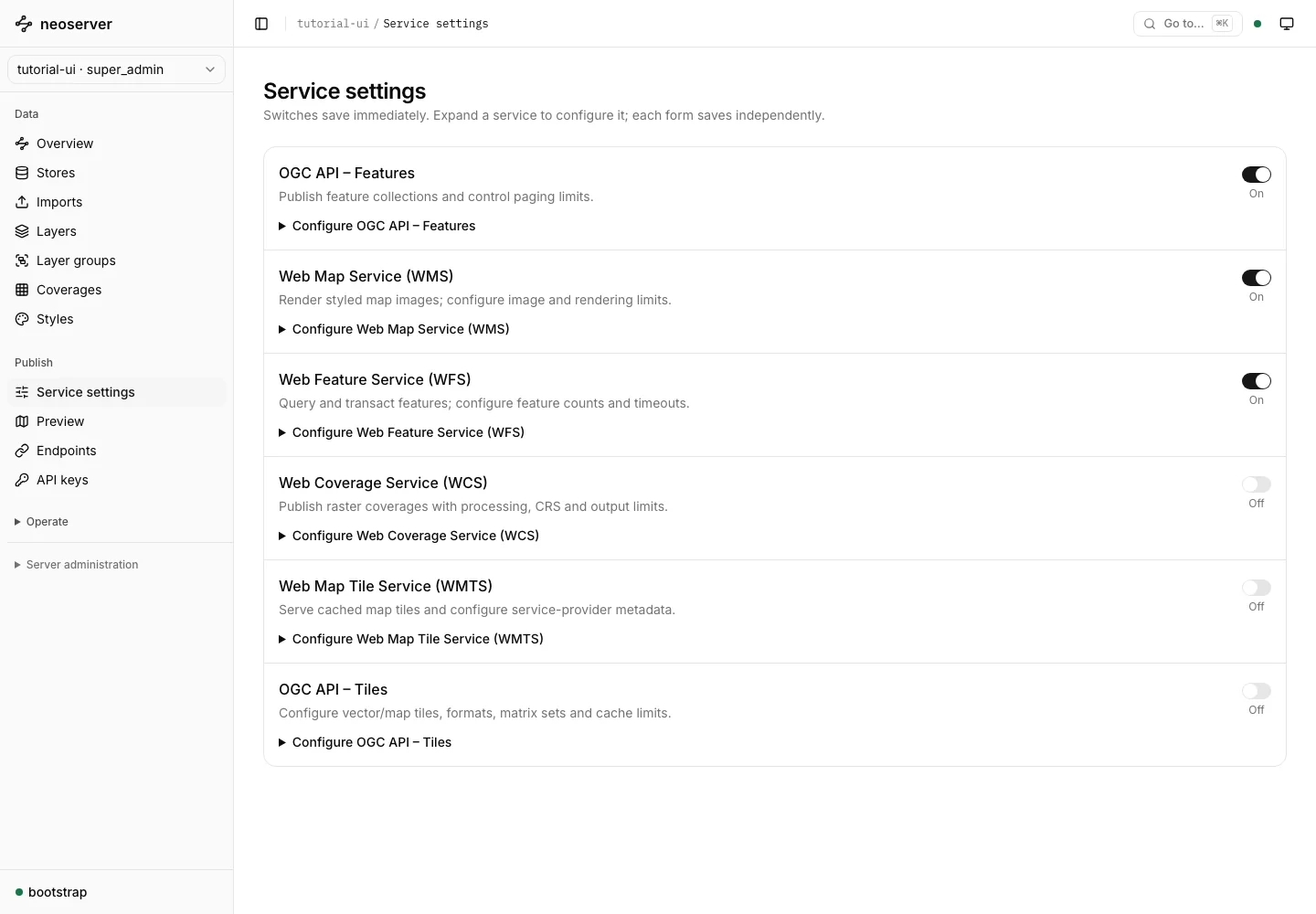
A control disabled by server policy explains the global setting an operator must change. Workspace settings cannot increase limits beyond the global service limits. See configuration for TOML and environment-variable settings.
Configure service metadata
Use the appropriate service section for titles, descriptions, provider information, paging, supported formats, and optional capabilities. The service-specific guides explain the fields and their effects:
- OGC API Features
- WMS and WFS
- WCS
- OGC API Tiles and WMTS
Check access independently
Enabling a protocol does not make every layer public. Source, publication, service, role, and layer-access settings each affect whether a request succeeds. Open Endpoints, select a layer, and choose Check access with my session to inspect the current console session’s access.
This check does not test another application’s key. Finish with a request from that client using its own credential. Follow connect a client.